
How to Search Thurston County Court Dockets
Superior Court docket and hearing data live in the Odyssey Portal. The Thurston County Clerk says criminal, civil, and family law cases can be searched there by case title or by case number. A docket pulls together the parties, the attorneys, the charges or claims, and the full calendar of events. Public case and hearing information costs nothing to view. The documents behind each docket line are a separate matter, since anonymous web users cannot open them online.
Start with what you know. A party name or a cause number is enough to find a Superior Court docket. To search hearings by date instead of by case, the portal has a Search Hearings tool that pulls every event set within a date range. That is the fastest way to build a daily calendar view for Thurston County court dockets.
- Open the Odyssey Portal and choose Smart Search.
- Enter a case number, a party name, or a business name to load the case docket.
- To pull a calendar instead, use Search Hearings and set a date range.
- Review the parties, attorneys, charges, and the list of hearings and events.
- For a docket that spans court levels, try the Washington Courts Case Search and pick the court level.
District Court dockets are not in Odyssey. They sit in a separate WebLink system that needs both a case number and the law enforcement agency tied to the citation or report.
Note: A party name should be typed exactly as it reads on the case, and a wildcard helps when a spelling is uncertain.
What a Thurston County Court Docket Includes
A docket is the chronological list of filings and events in a case. It is not just a stack of documents. In Washington court systems a docket can carry filing events, hearing settings, attorney appearances, charge data, case status, calendars, judgments, and orders. The court rule GR 31 treats indexes, calendars, dockets, registers of actions, official proceedings, orders, decrees, judgments, minutes, and case-management information all as part of the court record.
That breadth is why a docket is useful on its own. You can see when a case was filed, what was asked for, and how the court ruled, without buying a single page. A docket often opens with the cause number and the case title, then runs down the events in date order. Each line tells you the type of event and when it happened. The table below reads common docket entries in plain terms.
| Docket Entry | What It Means |
|---|---|
| Filing | A document was entered to start or add to the case. |
| Motion | A written request asking the court to act. |
| Order | The court's written direction or decision. |
| Hearing Set | A date, time, and courtroom assigned for a court event. |
| Continuance | A hearing or trial was rescheduled to a later date. |
| Judgment | A final or enforceable decision on rights or money owed. |
| Disposition | The final outcome of a charge or the whole case. |
Some fields stay out of public view. Protected identifiers, sealed material, and certain financial data are withheld even when the rest of the docket is open.
Thurston County Superior Court Calendars
Superior Court calendars are built from the same Odyssey data that powers case search. The Search Hearings tool lets you pull every hearing set within a date range, which is how a docket clerk or a party checks the day's schedule. You can filter by date to see what is on the calendar tomorrow, next week, or across a longer stretch. Each result ties back to a cause number, so a calendar entry leads straight to that case docket.
The county also posts calendar access through the Superior Court itself. The Superior Court court calendars page is the official entry point for scheduled Thurston County court dockets and hearing times.
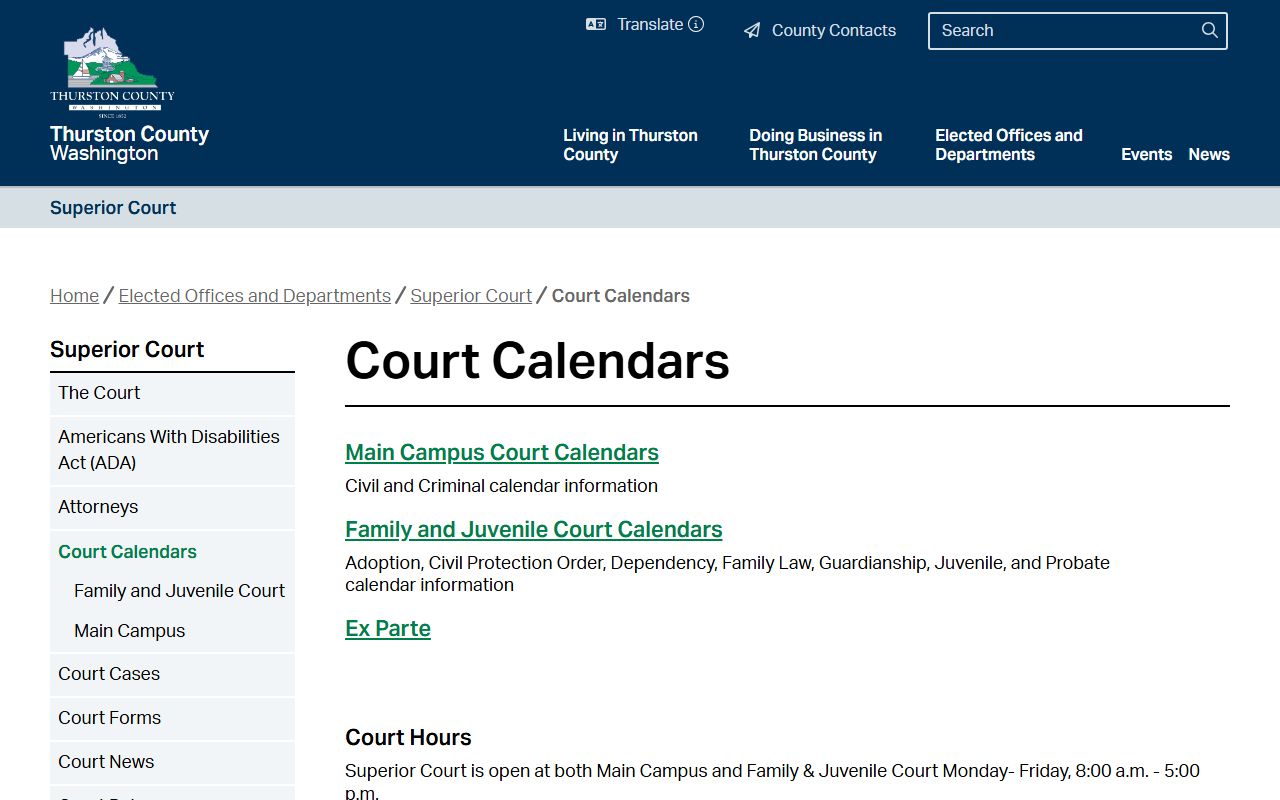
From that page a person can reach the court's calendars, court cases, and court rules, all of which feed the docket a hearing appears on. Superior Court handles the major files, so its calendars cover felonies, civil suits, family law, probate, and guardianship matters. The family and juvenile side schedules its own hearings too, including dependency, protection orders, and minor guardianships. A single date on a Thurston County court dockets calendar can mix all of these case types in different courtrooms.
District Court Calendars, Zoom and YouTube
District Court runs a strong remote posture for its dockets. The court page lists courtroom Zoom meeting IDs so people can appear without driving to the courthouse. If a summons does not include remote instructions, the court says to call or use the chat button on the page. Criminal defendants are told to speak with their attorney before any remote appearance.
Hearings can also be watched, not just attended. District Court points the public to a virtual calendar that lists court times along with YouTube channel information for observation. That virtual calendar is separate from the WebLink document system, so watching a hearing and pulling a file are two different tasks. To open an actual District Court record, you still need the case number and the law enforcement agency.
The court adds reminder support on top of the calendar. A text reminder form can send alerts one week, three days, and one day before each court date, which helps people avoid a missed hearing and a bench warrant.
Note: The District Court virtual calendar and YouTube links are for observing hearings, not for opening the documents behind a docket entry.
Dockets vs Full Case Records
A docket and a case file are not the same thing. The docket lists events. The file holds the actual documents those events created. Odyssey can show the hearings, the calendars, and the case events for free, but the pleadings, orders, and judgments behind them require Clerk access. That gap trips up a lot of first-time searchers who expect to click an entry and read the document.
For Superior Court files, the documents come through the Clerk. The public can view them at an Odyssey Portal kiosk in the Clerk's Office or buy electronic and certified copies through Clerk Documents, subject to confidentiality rules. A docket tells you what to ask for; the copy request or kiosk gets you the page.
This split matters for both court levels. A Superior Court docket in Odyssey lists every event but locks the files behind kiosk or paid access. A District Court calendar lists the hearing, but the open record itself sits in WebLink and needs a case number and the law enforcement agency. In each case the docket is the map. The document is the destination, and reaching it is a second, separate step.
Note: A docket entry confirms that a document exists in a case, but opening that document is a separate step handled through the Clerk, a kiosk, or a paid copy request.
Thurston County Clerk Forms and E-Filing
The Clerk's office keeps the forms and packets that turn into docket entries. When a party files a motion or a petition, that filing shows up on the docket as a new event. The Clerk forms and packets page gathers the documents people use to start or move a Superior Court case.
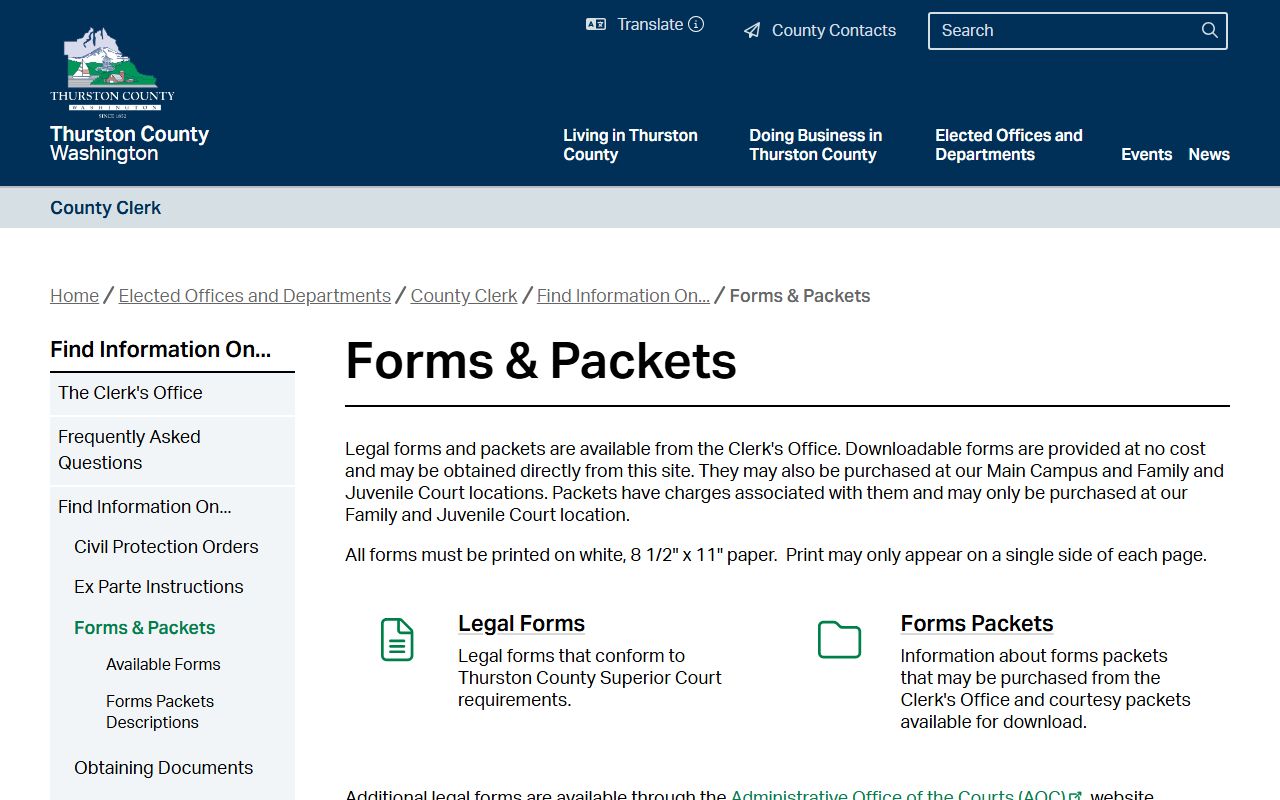
Having the right form matters because a clean filing posts a clean docket entry. A wrong or missing packet can stall a case or push a hearing date. The forms page groups packets by case type, so a person filing a family law matter does not have to wade through criminal forms.
Filing itself can happen online. The Clerk eFile portal lets users submit documents electronically rather than dropping paper at a counter.
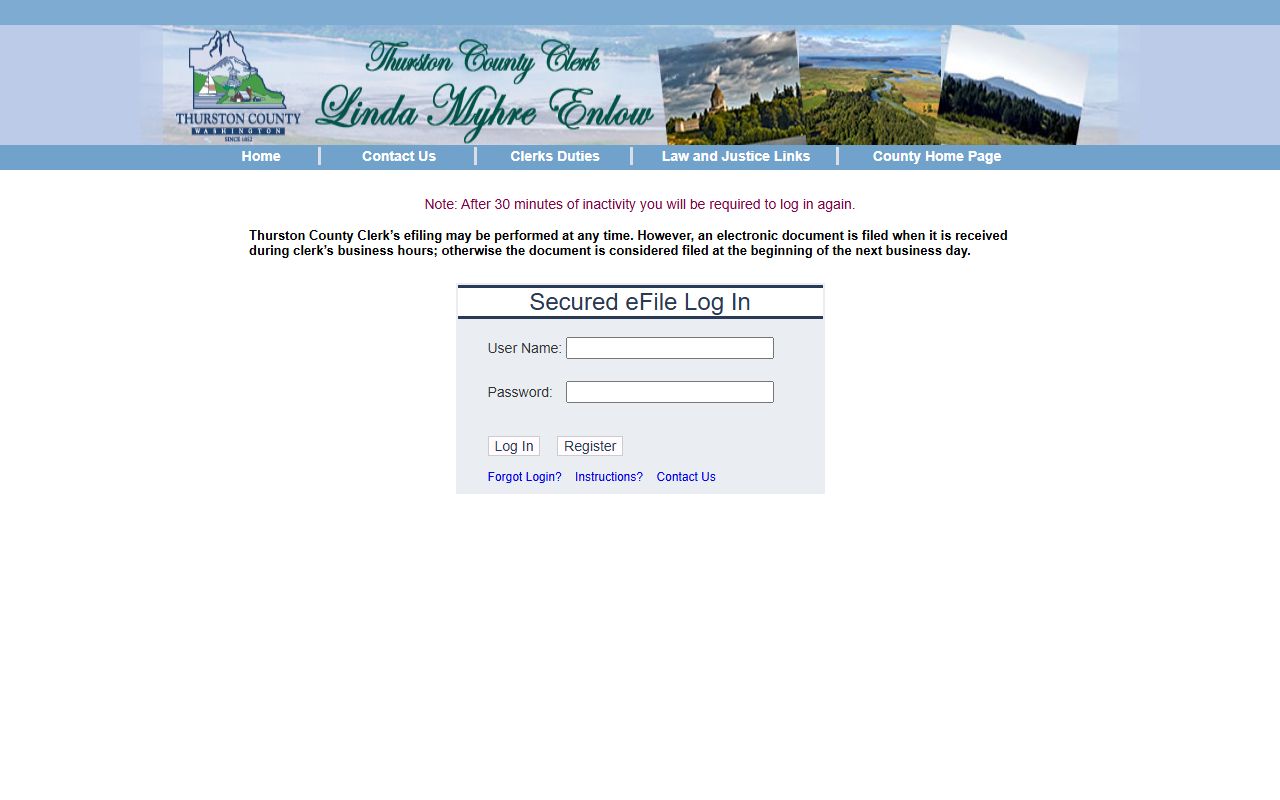
An e-filed document still lands on the same docket as a counter filing. Once the Clerk accepts and enters it, the event joins the register of actions and shows up in Odyssey case and hearing search like any other Thurston County court dockets entry.
Case Status Warnings for Thurston County Dockets
The statewide index is fast but not flawless. Clerks enter case information, and the Washington Courts search engine updates roughly 24 hours after that entry. So a brand-new filing or a fresh order may not appear on the docket right away. A search run the same morning a case is filed can come back empty even though the case exists.
The state is blunt about its own limits. Some case data may not display correctly in the statewide tool, including dockets, judgments, and document links, and case status can read wrong. For complete and current records, the state points users back to the court of record or to systems like Odyssey Portal. That is why a careful Thurston County court dockets search ends at the court, not at an index.
Before relying on what a docket shows, confirm it with the court that holds the case. An index is a finding tool. The official docket lives with the Superior Court Clerk or the District Court.